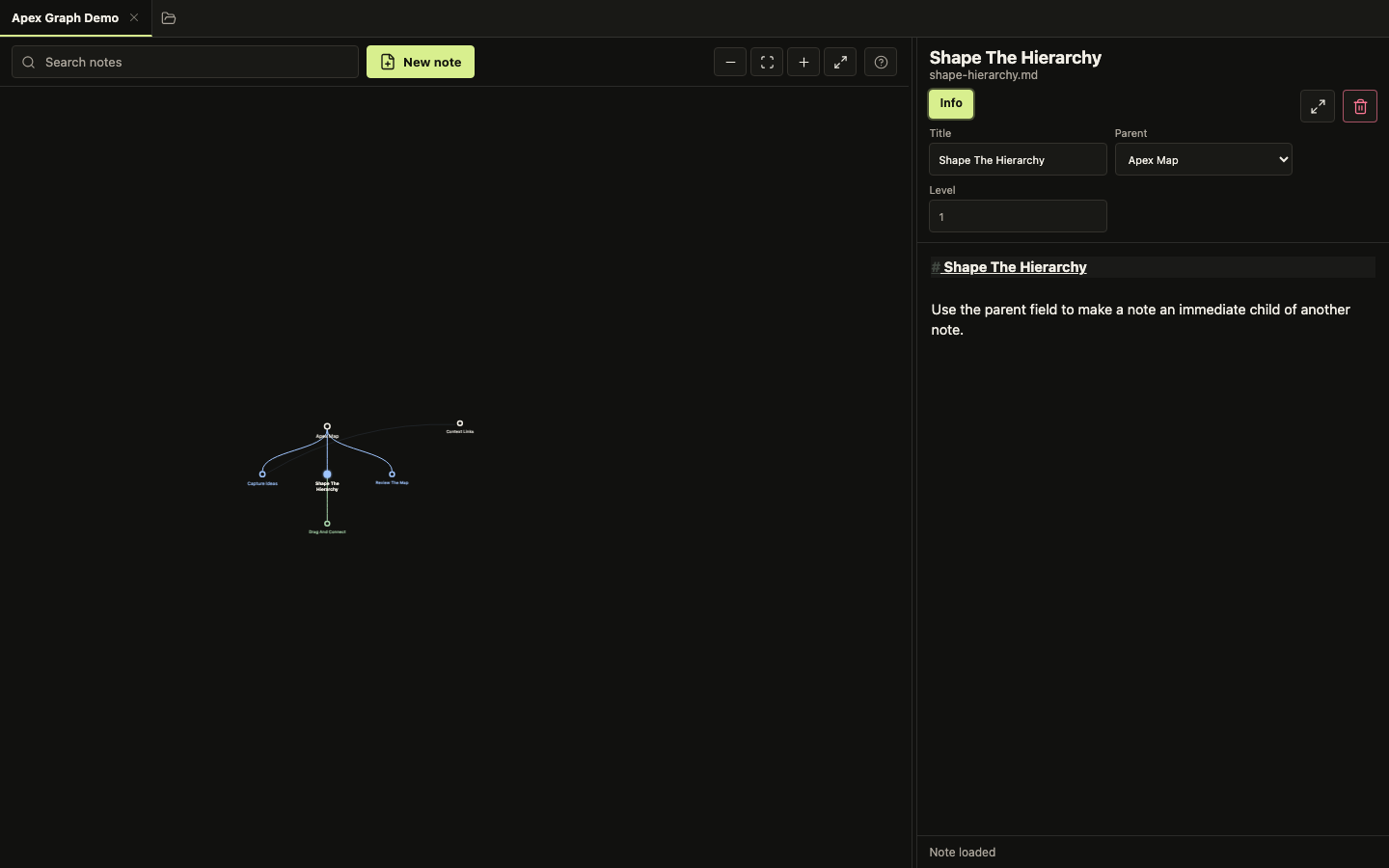
Graph Basics
Use The Graph
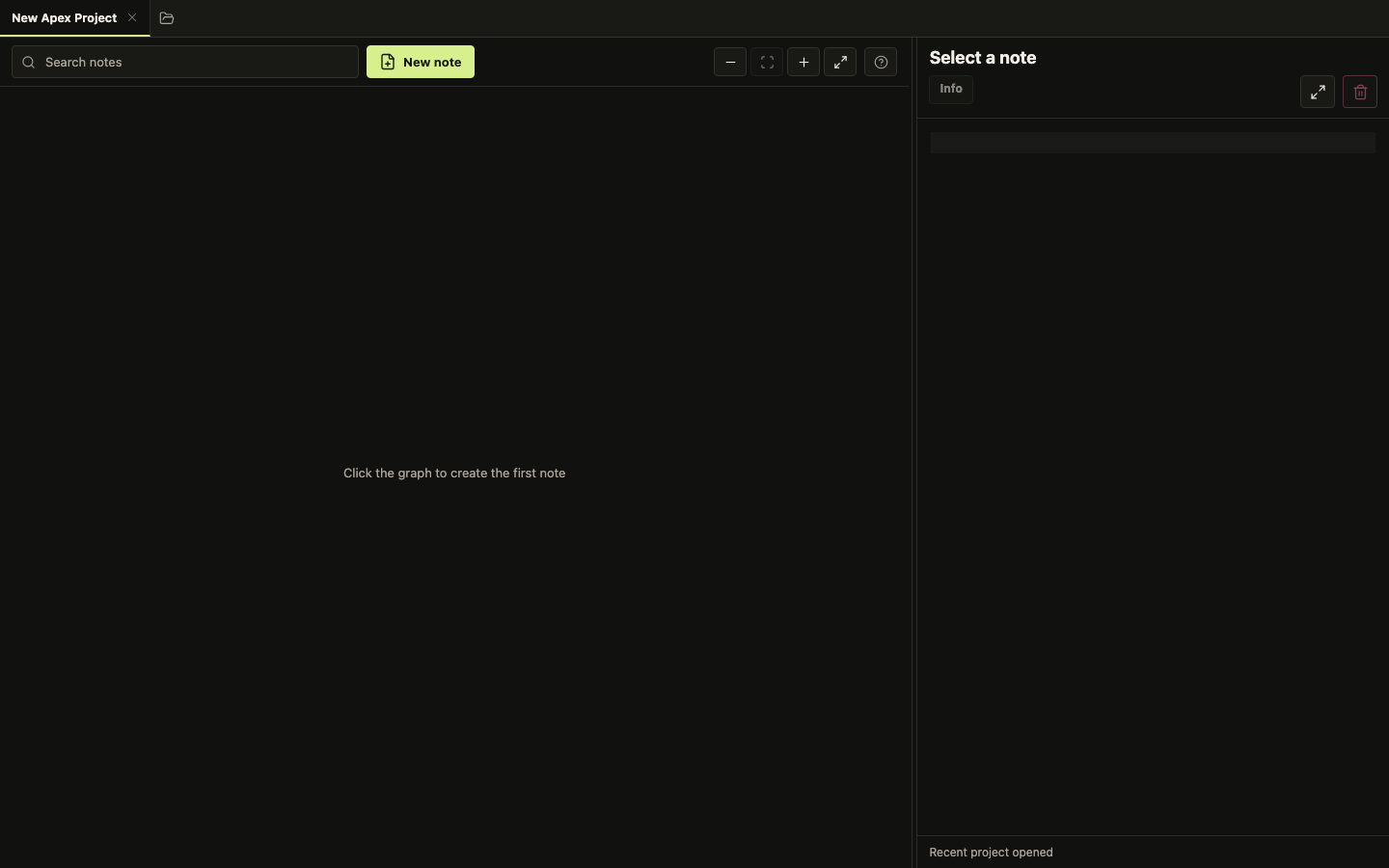
- Click a note to open it in the editor.
- Double-click empty graph space to create a new loose note.
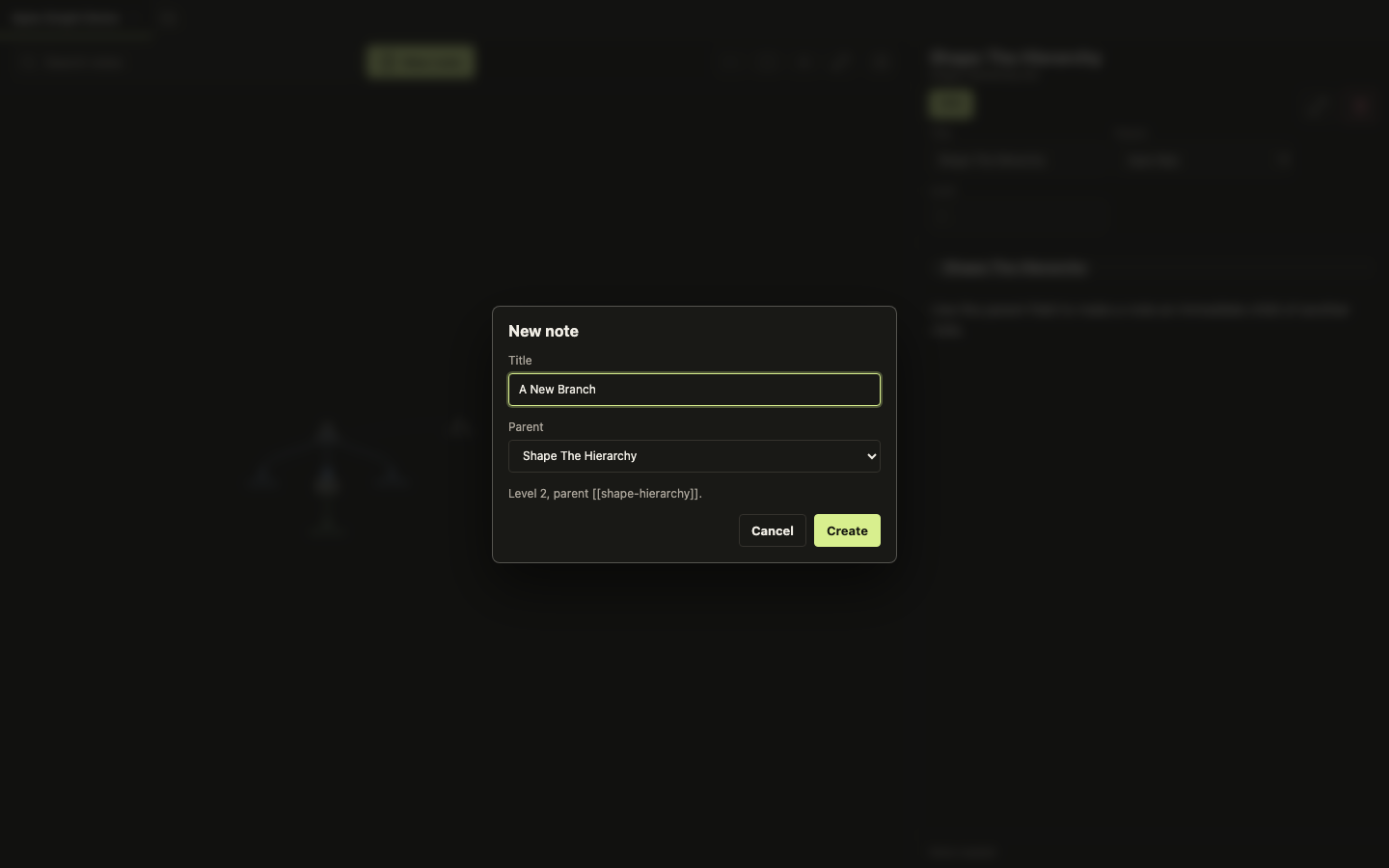
- Use New note when you want to choose the parent before creating it.
- Drag nodes to make the map easier to read. This only changes layout.
- Drag empty graph space to pan. Scroll to zoom.
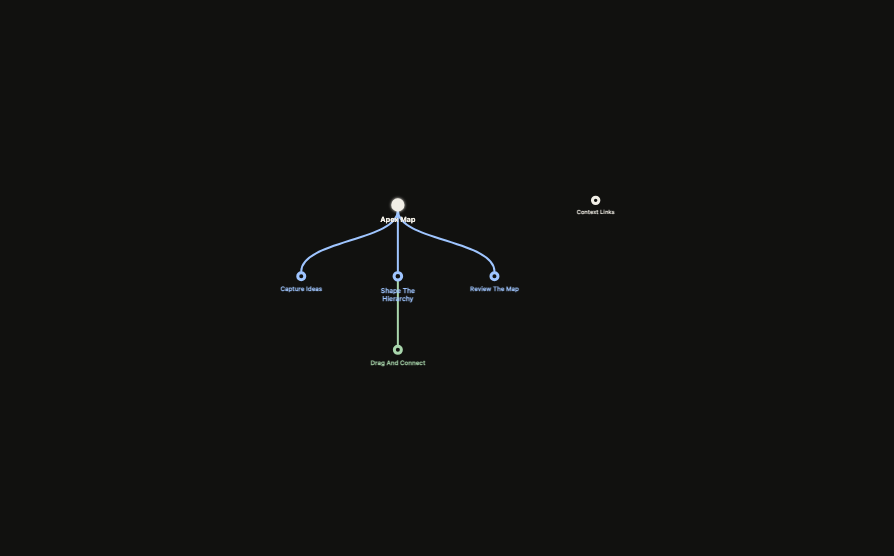 Open: click a note
Create: double-click empty space
Arrange: drag notes
Move view: drag or scroll
Open: click a note
Create: double-click empty space
Arrange: drag notes
Move view: drag or scroll